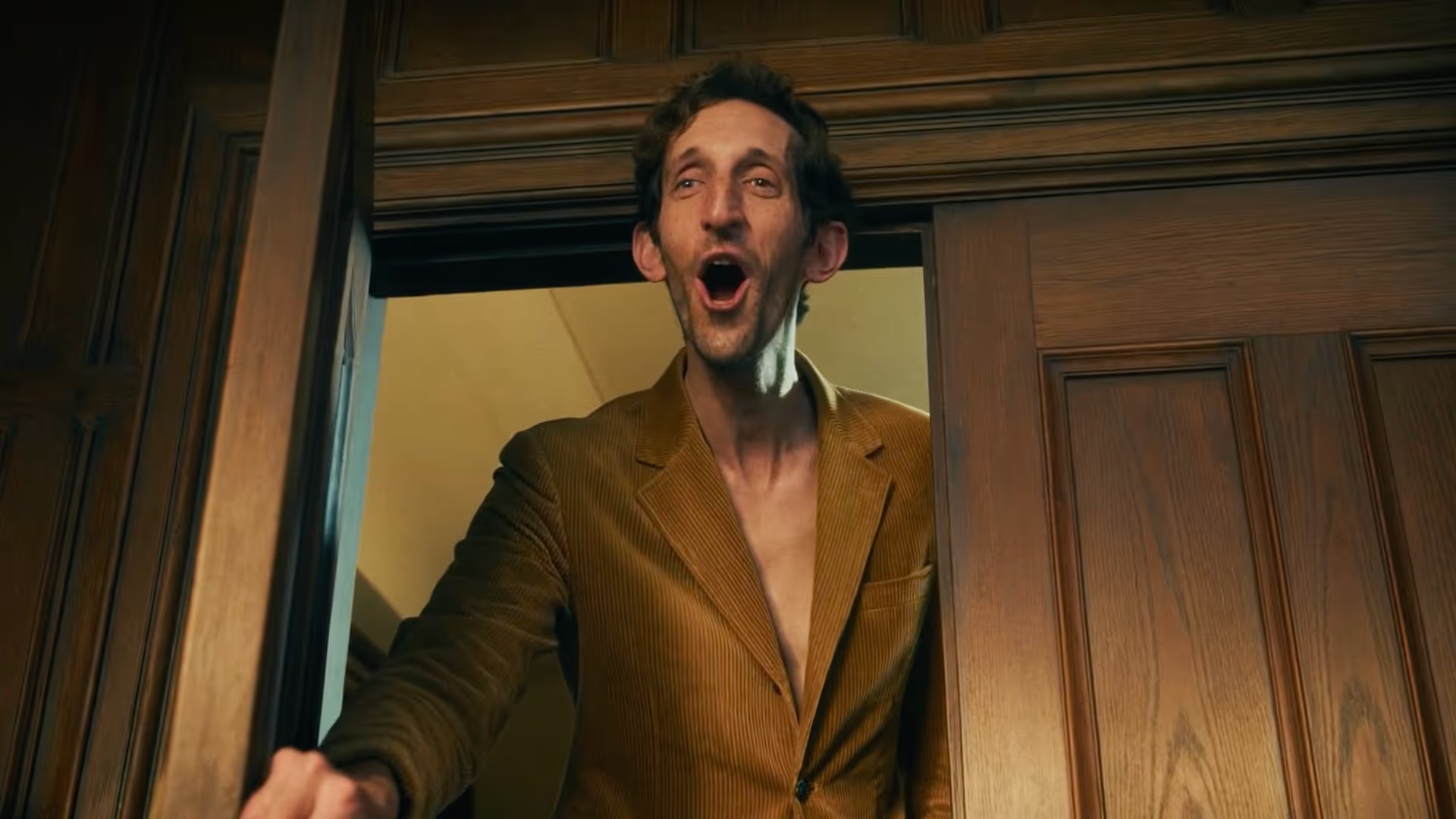
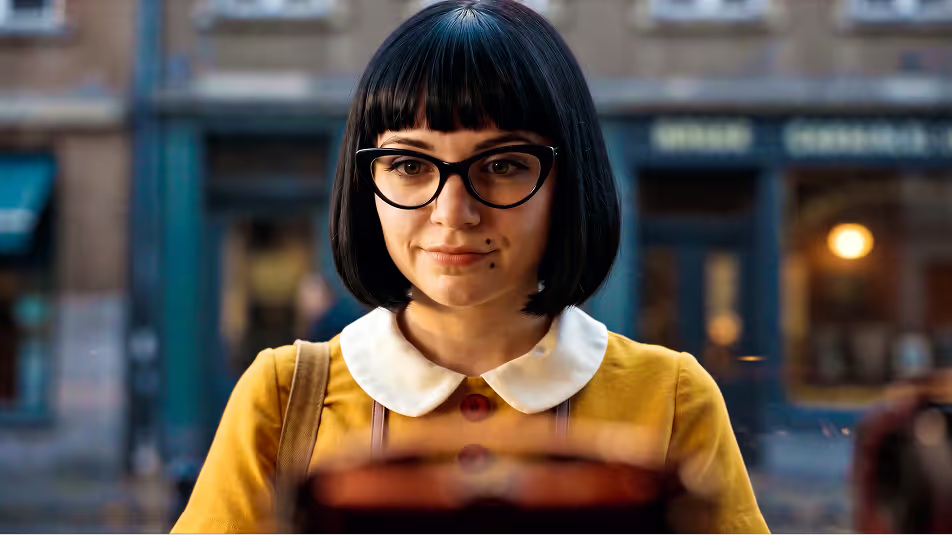
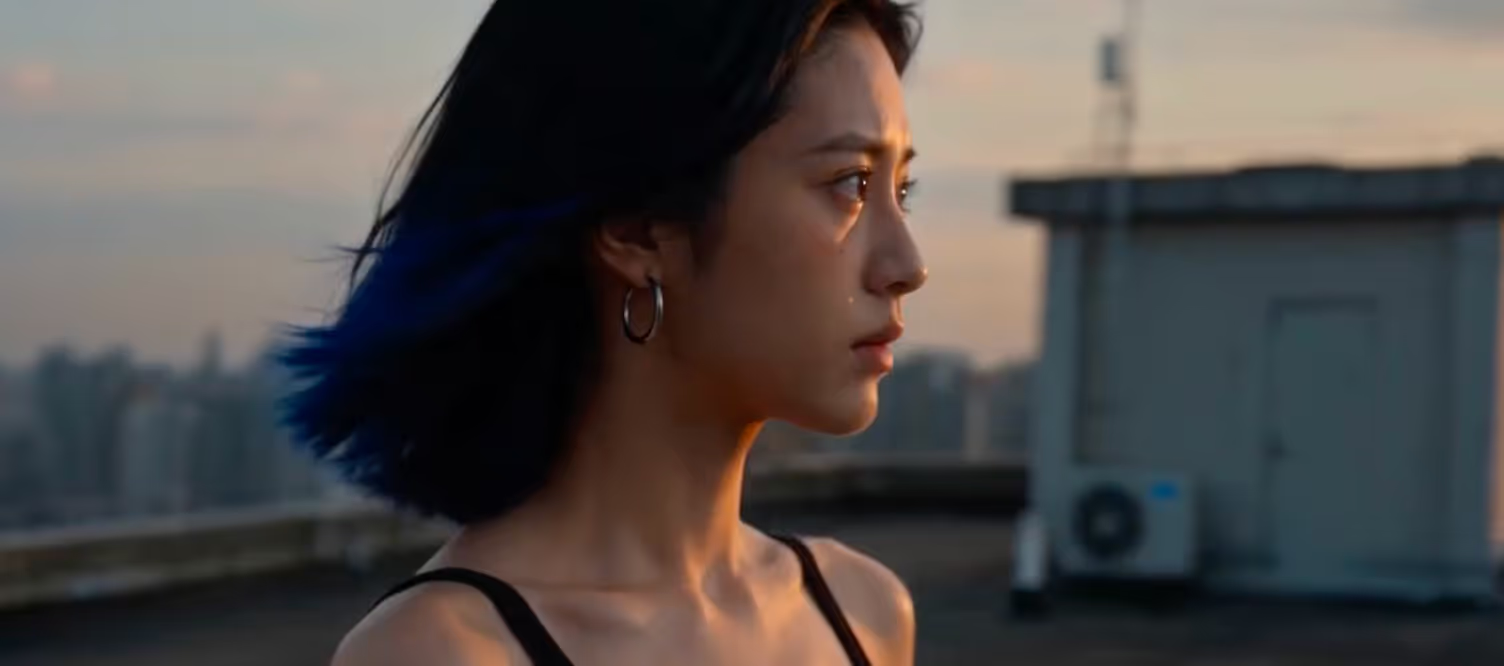
Three skills. One builds the world. One makes it move. One weaves the whole story together.
Currently compatible with



Cinematic image generation with structured character, environment, and keyframe control, up to 4K. Define a character once, keep them forever.
Cinematic video generation with visual consistency, narrative continuity, and shot-level control. Scene 30 looks like it belongs with scene 1.

One canvas connecting every image and video generation into a single, directed production. No isolated outputs
PAI Pro supports long form cinematic workflows with character persistence, narrative continuity, and director-level control across every shot.
Characters, environments, and visual language stay locked across every shot. Define it once and it holds until the last frame.
Scene context carries forward. Every generation remembers what came before it. The world you're building doesn't reset, it accumulates.
Control framing, camera angle, lens, and composition with structured parameters. Direct the shot, not just describe it.
Up to 4K cinematic output. Every frame is planned, critiqued, and iterated before you see it. The model generates, judgement decides what ships.
5 steps to PAI Pro
01
Make sure you have:
02
Paste this into your Claude Code or Codex:
Clone https://github.com/Utopai-Research/pai-pro, read the setup docs in README.md and docs/setup.md, then install PAI-Pro for my current agent.

Ask me for my PAI_KEY, use Docker unless I ask for local development, and start the app when setup is complete.
03
Open: http://pai-pro.utopaistudios.com/
Then:
1. Click Top up on the dashboard page to complete payment.
2. Click API Keys in the left sidebar and create a New key.
3. Copy the generated key.
04
Paste this into your terminal / Claude Code / Codex:
cp .env.example .env

echo 'PAI_KEY=your_api_key_here' >> .env
Replace "your_api_key_here" with your actual API key.
05
Prerequisites
Ensure Docker Desktop is open and running in the background.
Launch
Run this command in your Claude Code:
Docker: ./scripts/docker-start.sh
Local: if ports are busy, run ./scripts/stop.sh first; then ./scripts/setup --agent claude and ./scripts/start.sh
Or this in your Codex
Docker: PAI_DEFAULT_AGENT_ID=codex ./scripts/docker-start.sh
Local: if ports are busy, run ./scripts/stop.sh first; then ./scripts/setup --agent codex and PAI_DEFAULT_AGENT_ID=codex ./scripts/start.sh
The first run will take 5-10 minutes to build. Subsequent startups will only take about 10 seconds
Open the Interface
When you see:
PAI PRO is readyOpen this URL in your browser:
http://localhost:7588Connect to Claude
Log in to Claude Code from the right panel.
Once connected, you can test with:
“Design a noir detective, weathered mid 40s, single hero still.”PAI Pro combines conversational agents, cinematic workflows, image generation, and video orchestration into one unified system.

Describe your story, scene, or creative intent naturally.
PAI Pro can understand cinematic intent, break stories into structured shots, and help generate scripts, characters, locations, and story beats automatically.
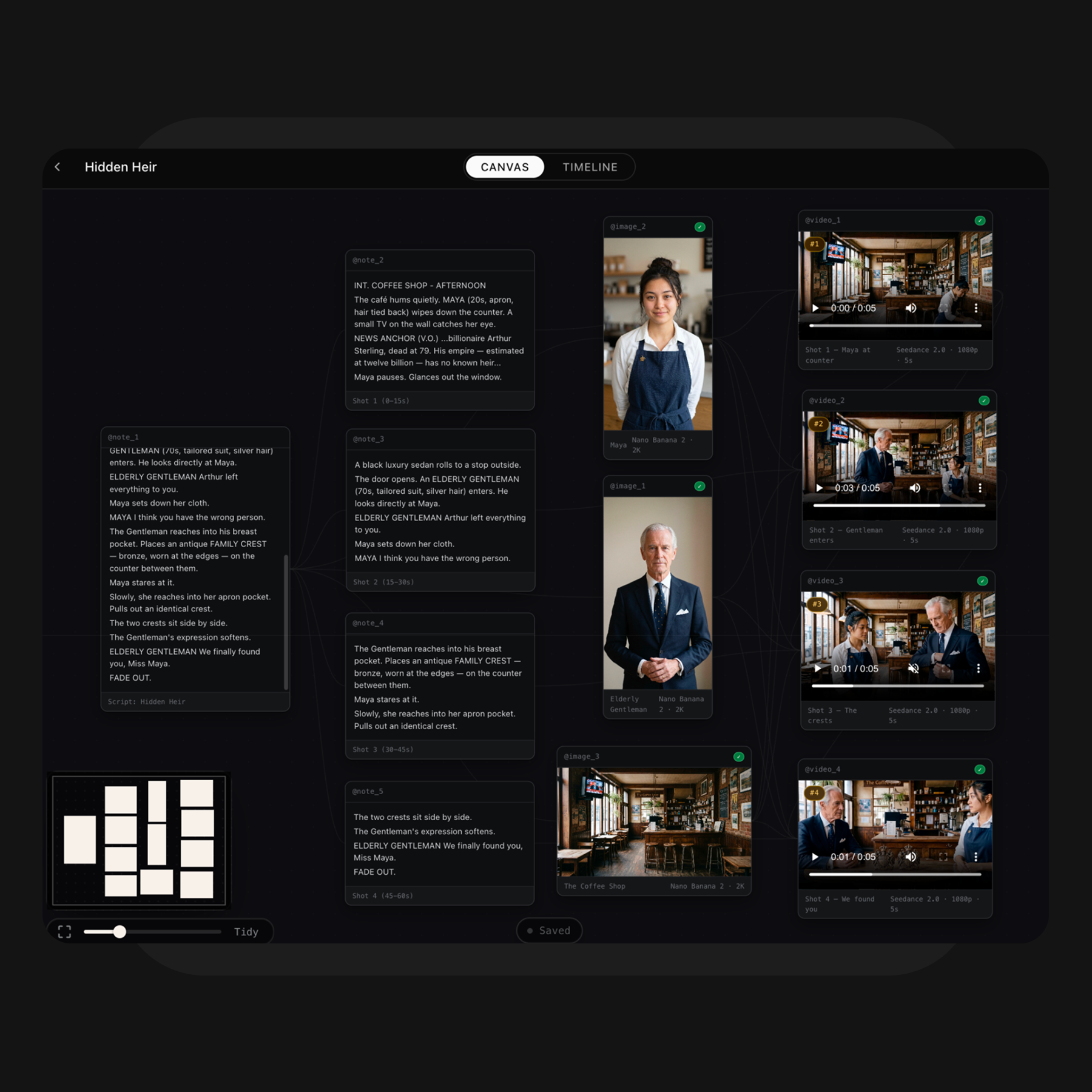
PAI Pro transforms your ideas into a connected visual workspace. Generate and organize characters, locations, keyframes, and videos on the Canvas, allowing you to quickly visualize and refine your creative direction.

Select your preferred shots and assemble them into the final sequence. In Timeline mode, you can reorder clips, replace shots, review pacing and continuity, and export the final video.
Get notified
The future of storytelling, in your inbox.