
Why we built PAI
At Utopai Studios, we create original films and series. That work shapes what we build. Our filmmakers need characters that stay consistent across scenes, room to refine performances, and control over how each shot serves the story.
We built PAI around those needs, bringing our filmmakers and technologists together to develop tools for the demands of a complete production. Our productions guide its development, with human judgment at the center of the process. Through PAI, we’re putting that approach into the hands of other filmmakers and creative teams.
PAI (Production Assistive Intelligence) is the AI production engine of Utopai Studios, built for professional creative teams and studios.
It supports the work of filmmaking: exploring ideas, developing scenes, and refining the details that bring a story to life. Filmmakers guide the process, using PAI to carry out their creative decisions and shape the result.
The agentic video model that understands filmic production imagery. Built into the all-new PAI, it works from the whole production (scripts, world-building assets, production status and collaborator feedback), so every shot it generates fits the film around it.

PAI follows your creative direction, remembers the context of your project, and helps carry out production tasks. Build on earlier decisions, work through revisions, and move between tasks with an agent that keeps track of what you’re making.
 Production Assistant
workflow
PAI helps you plan what comes next and see how production tasks connect, keeping the work organized as you move from script through scenes, shots, and revisions.
Memory
PAI keeps track of your story, characters, visual style, and past decisions. That context informs each new step, so you can build on the work you’ve already done.
execution
PAI turns your creative direction into practical production steps, helping you develop shots, create assets, and work through tasks. You review the results and decide what moves forward.
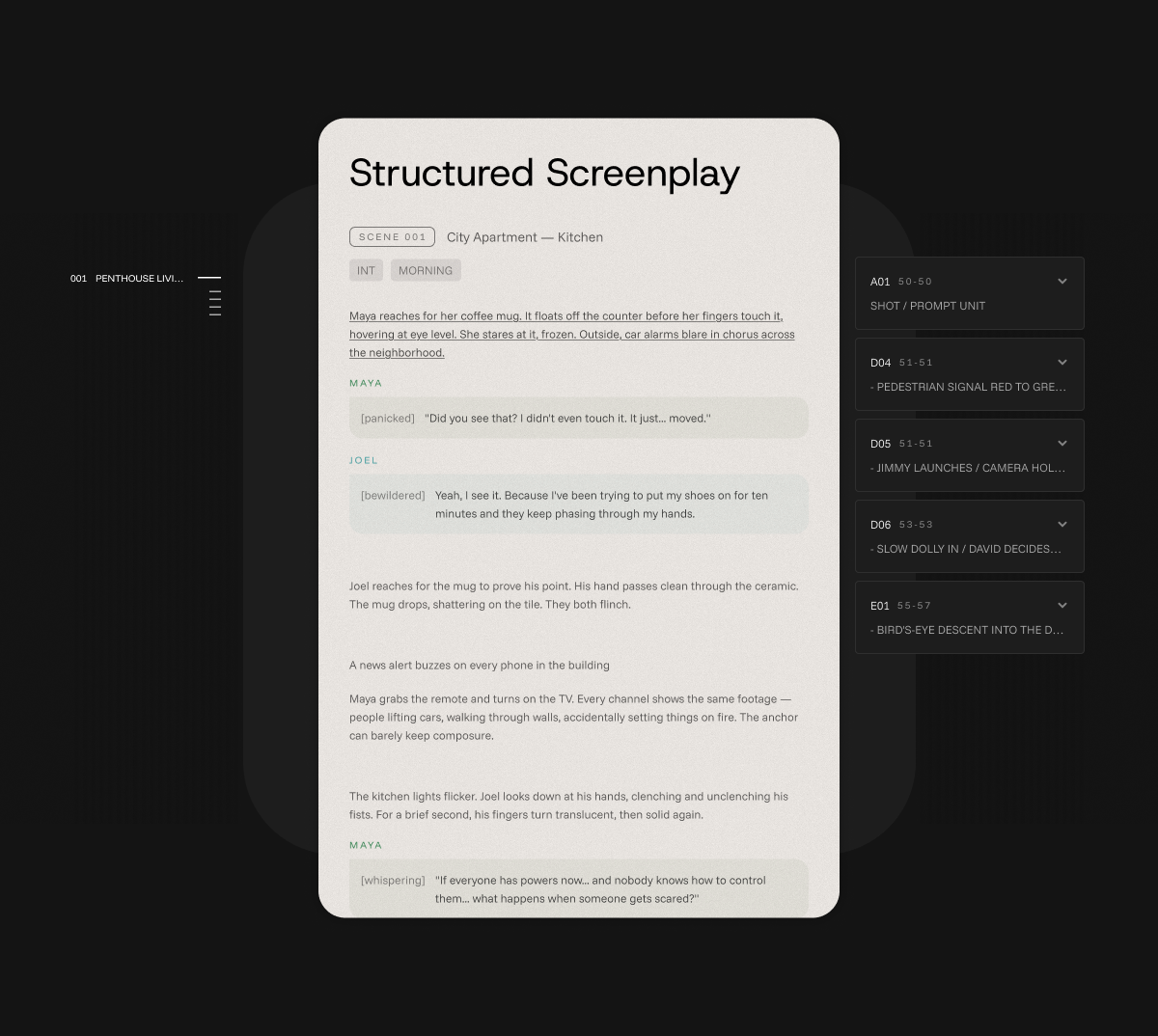
PAI reads your script and organizes its structure into a working project. Use that foundation to plan scenes, develop shots, and shape the production around the story you want to tell.
Script breakdown
PAI breaks your screenplay down into characters, scenes, locations, and props, and helps organize a structured shot list. Review and refine the details as you plan your production.
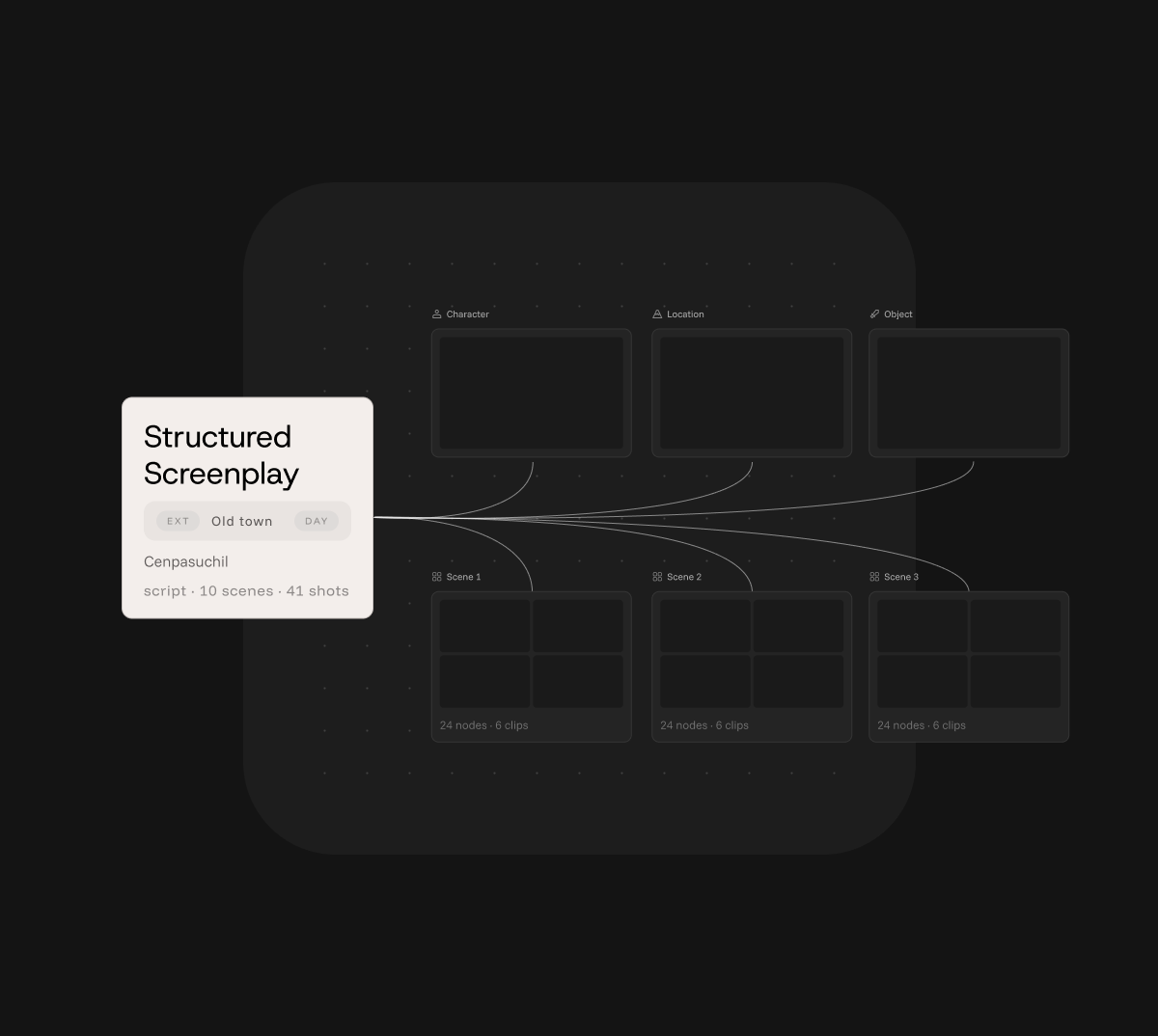
project setup
PAI uses your script breakdown and shot list to set up your project on the canvas, giving you an organized workspace to start developing the visuals and building your scenes.
Organize your project, explore ideas, and develop scenes in one visual workspace, with room to see how the pieces fit together.
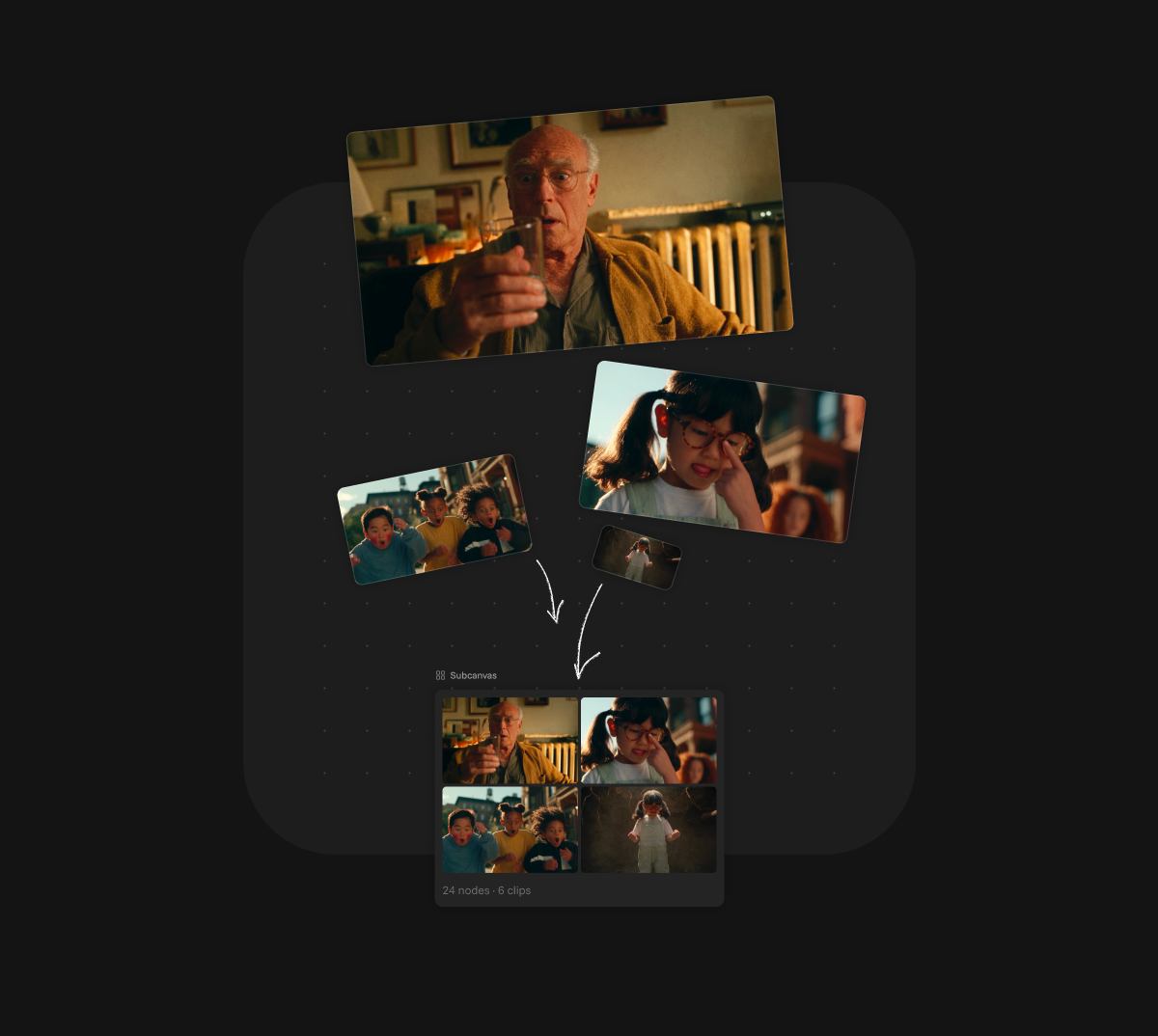
SUBCANVASES
Organize scenes, sequences, and assets in nested subcanvases. Keep related work together and your workspace clear as the production grows.
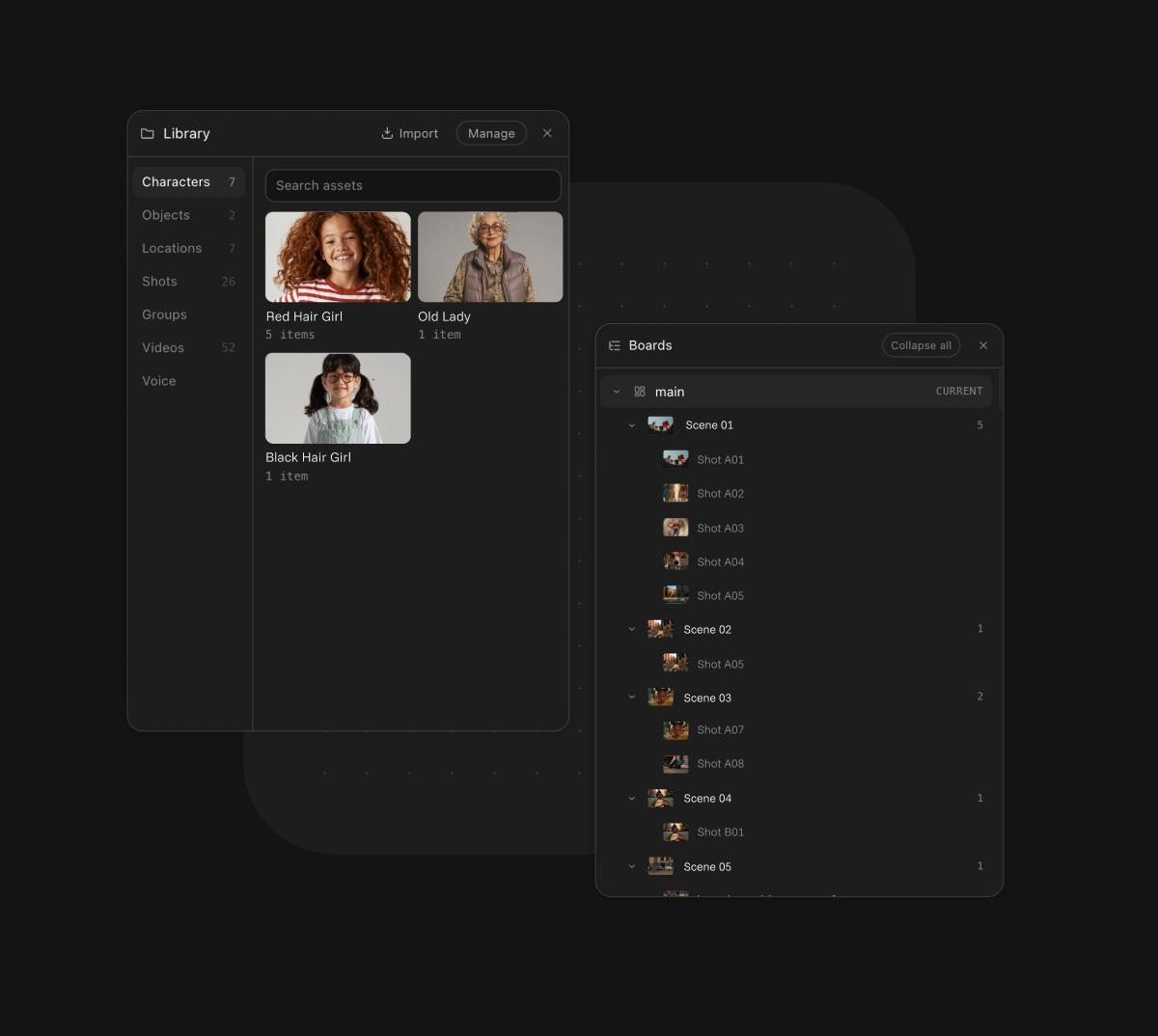
Easy navigation with panels
Switch subcanvas levels through dedicated panels for assets, project structure, comments and reminders, and generation history.
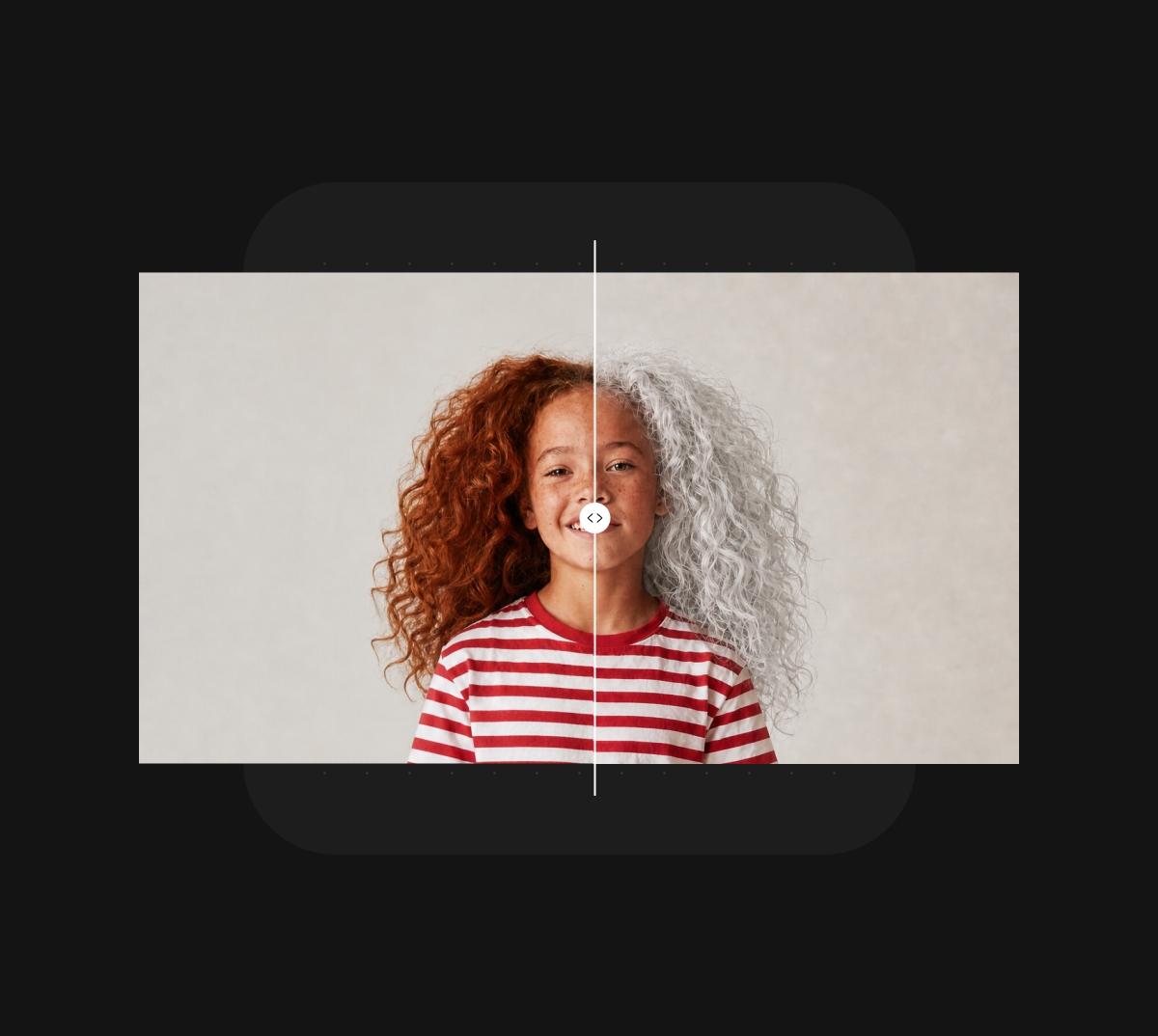
Comparison & versioning
Track versions and compare images and clips side by side. Review what changed, revisit earlier results, and choose what best serves the scene.
Build your sequence in PAI, then export your work to continue editing and finishing in your preferred tools. Keep the workflow familiar and the creative decisions yours.
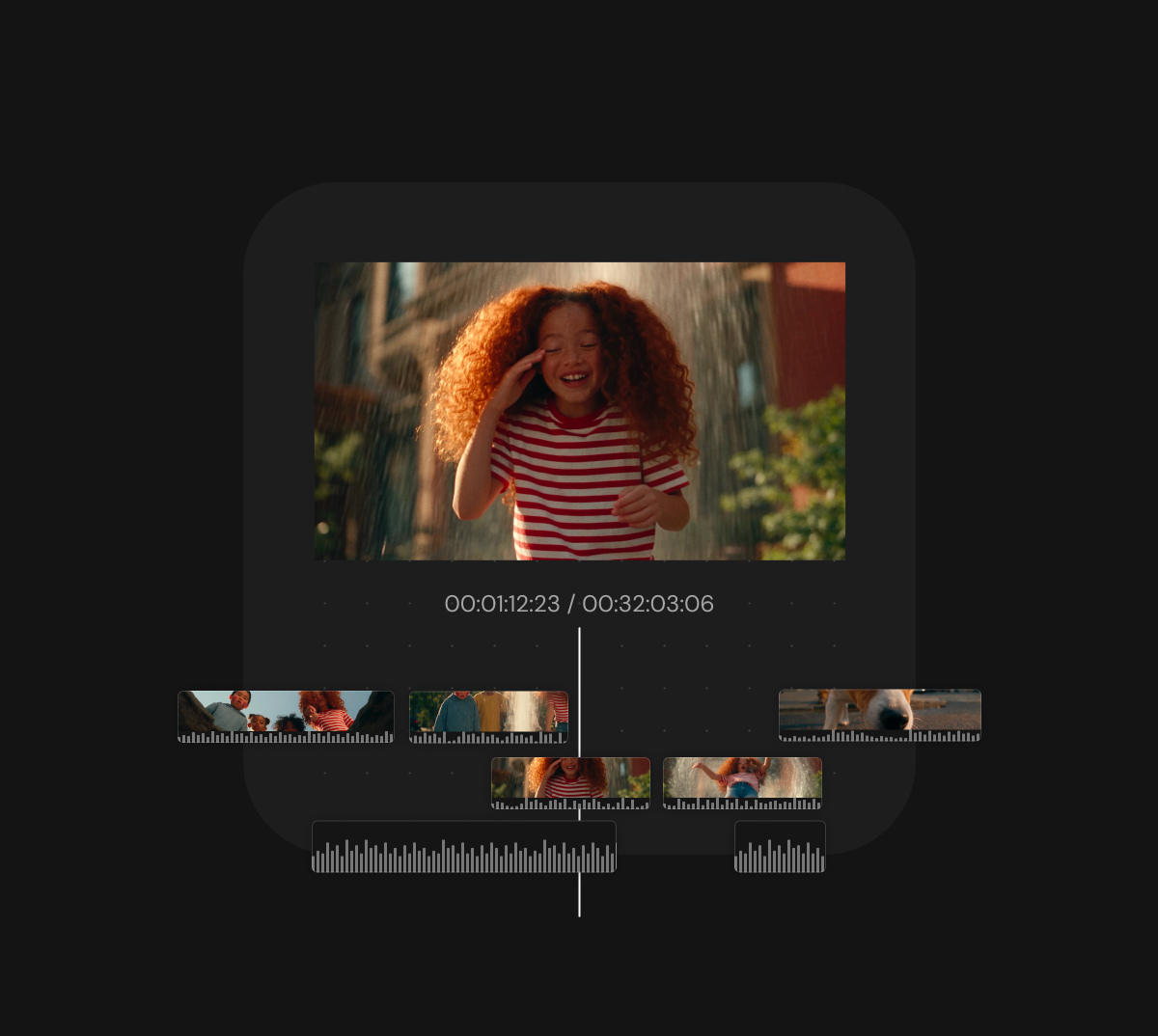
Timeline
Arrange and edit clips created on the canvas in Timeline mode, then generate video and audio directly
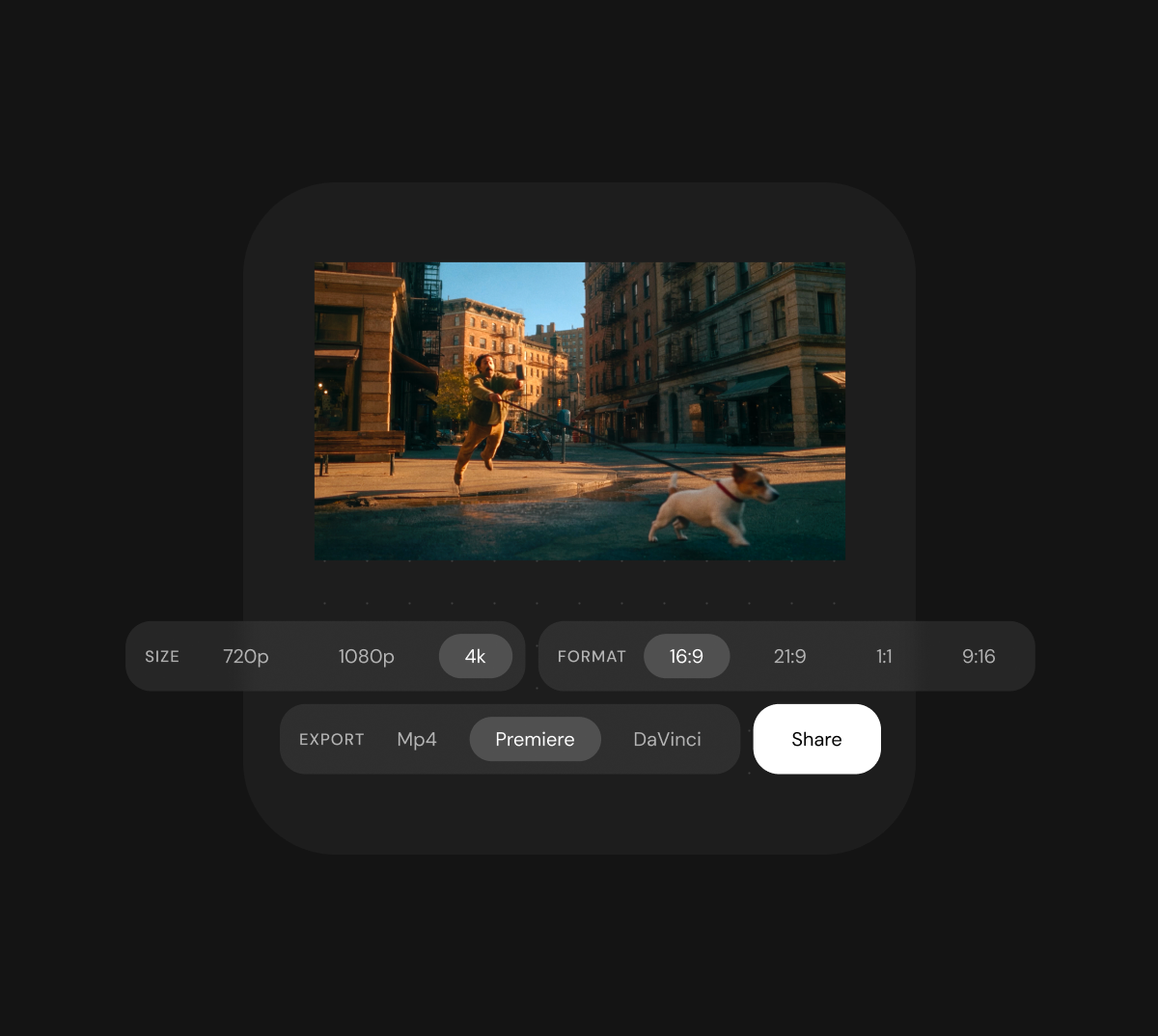
Export
Export your video in 4K, or bring your rough cut into Premiere Pro or DaVinci Resolve for further editing and finishing.
Agent-assisted workflows that keep intent intact from script to final frame.
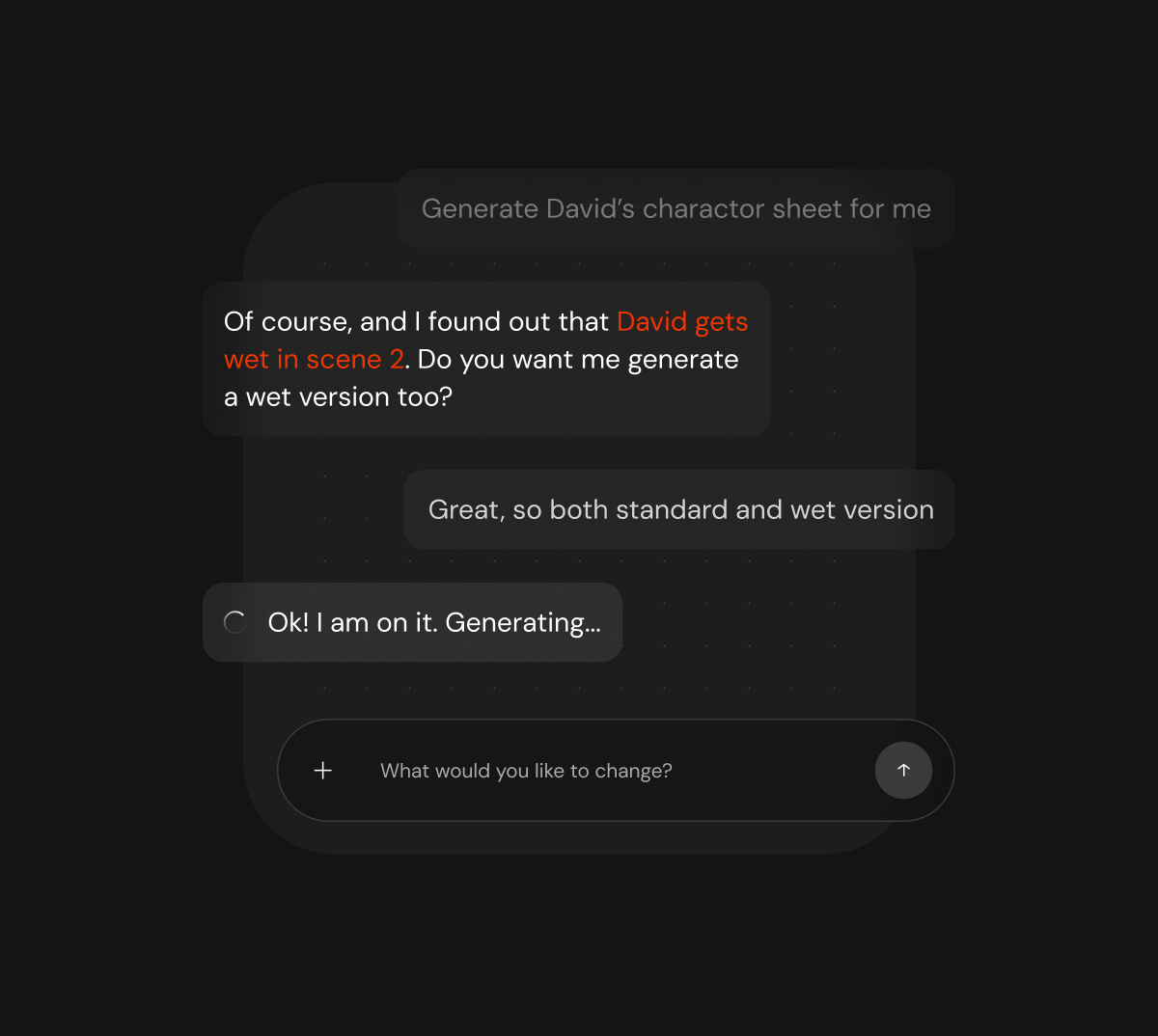
Production intelligence
Our agent bridges story logic and production requirements, ensuring character, location, and prop details stay consistent across every scene, so creative intent is never lost in translation.
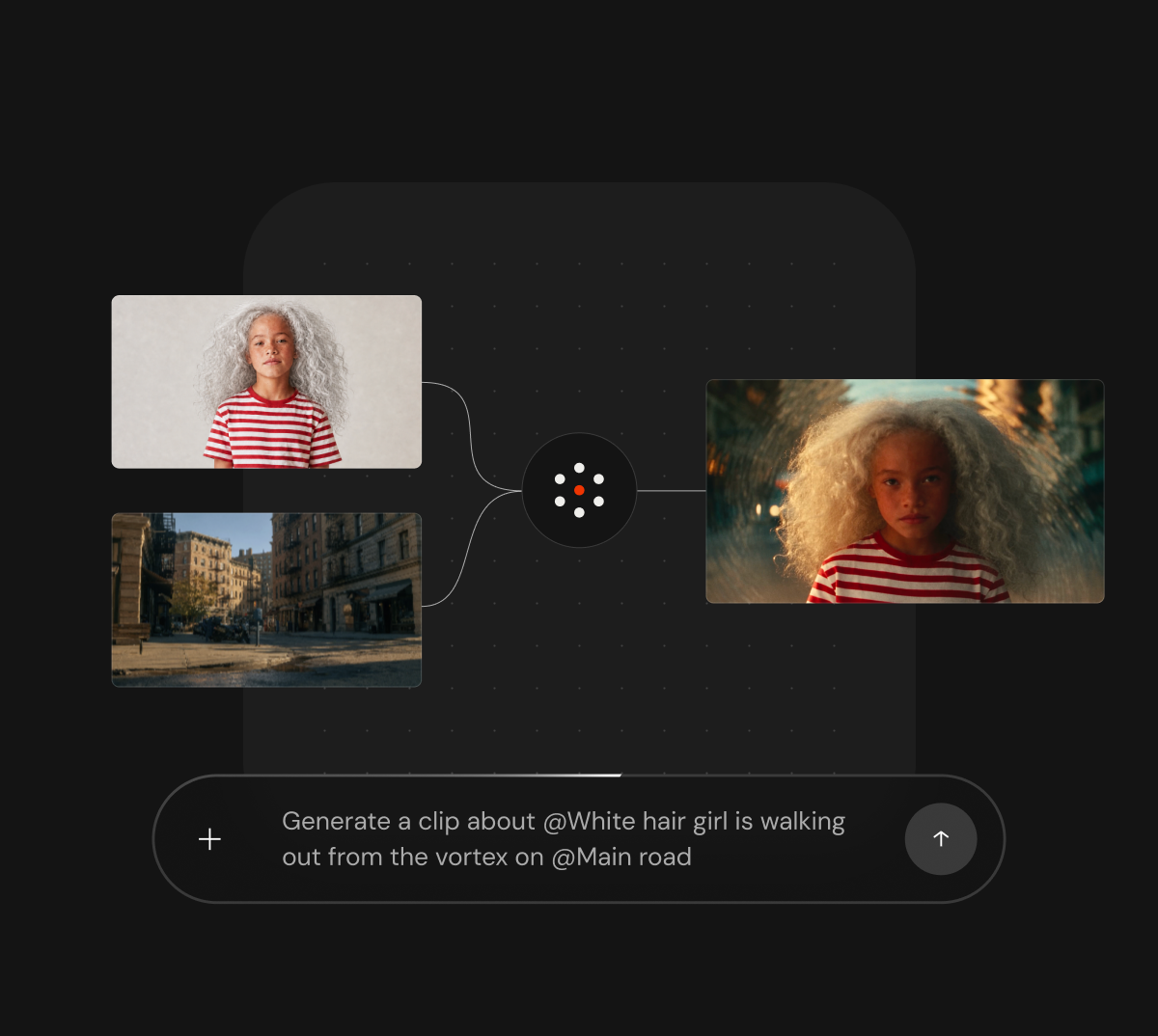
Reference routing
Our agent understands how world design supports the story, then routes the most relevant references to the right scene, so teams can move from script to canvas with clarity, speed, and fewer missteps.
One workspace that keeps collaboration, assets, approvals, and progress aligned across large-scale productions.
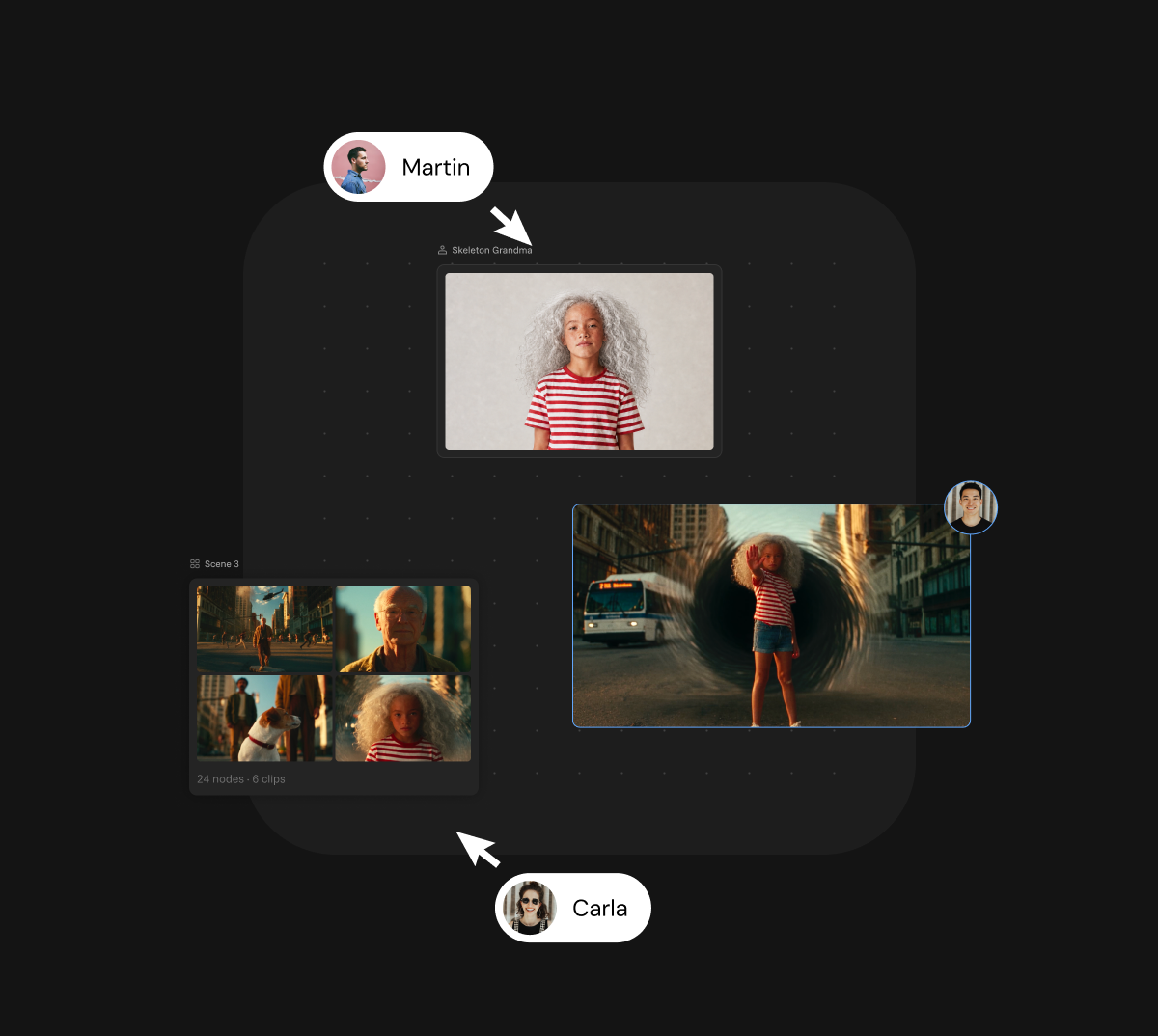
Collaborative workspace
Canvas keeps teams creating and collaborating in one shared space, reducing communication friction and keeping ideas and execution aligned.
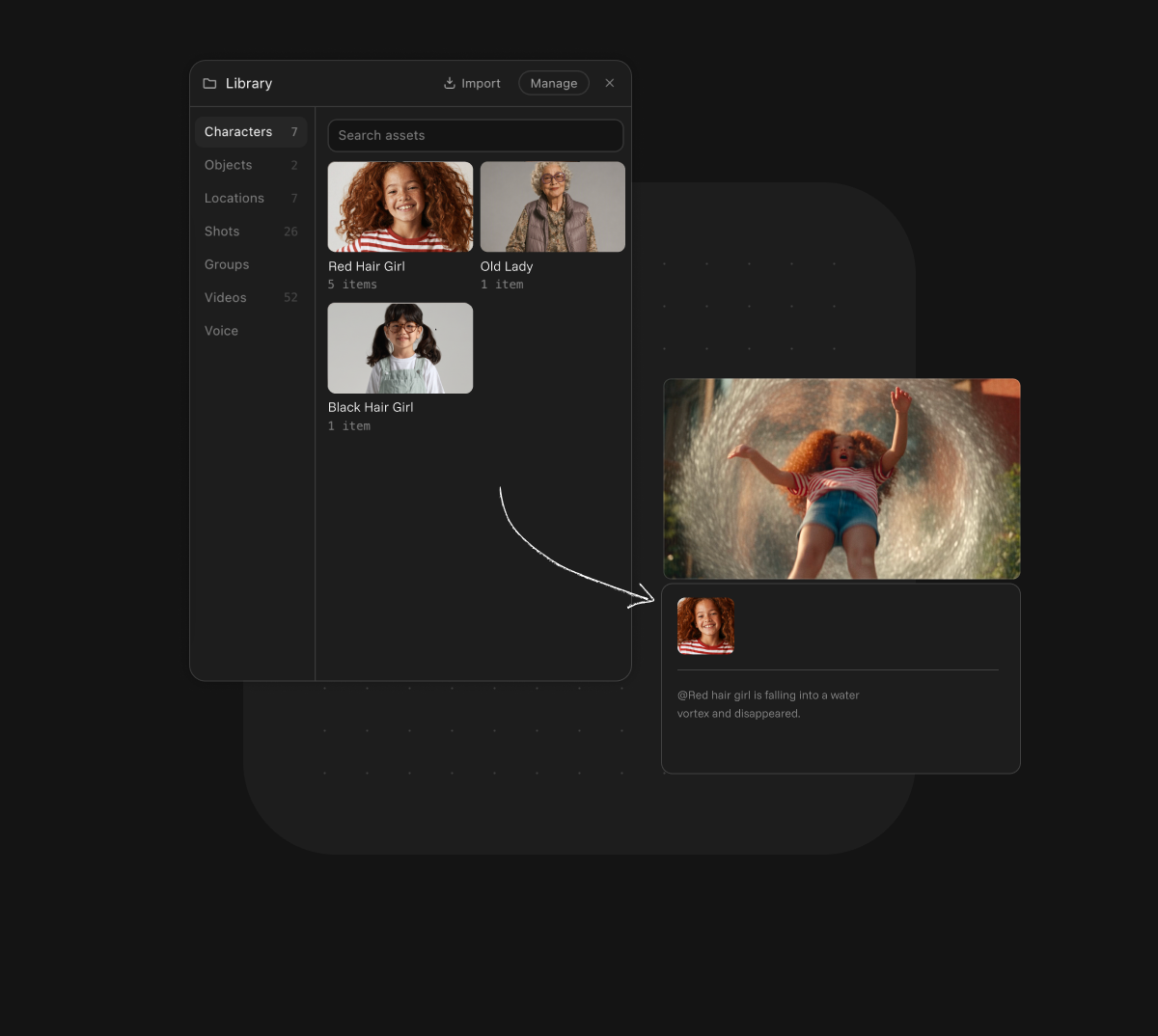
Asset management
Manage, pass, sync, and review assets within the project to prevent upstream designs and downstream shots from drifting apart, while keeping settings consistent across projects in the same universe.
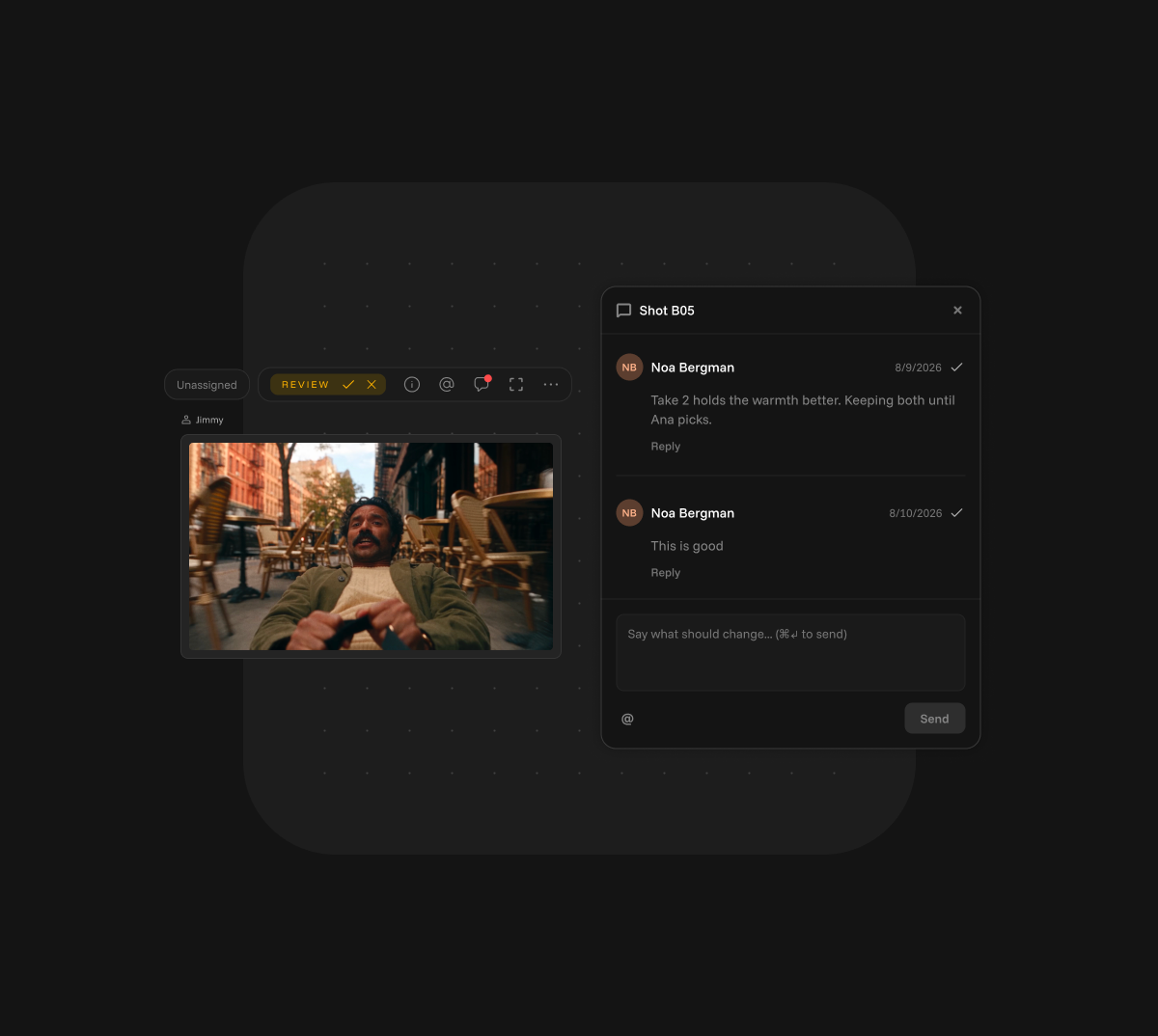
Comments & approvals
Comments and approvals balance flexible communication with quality control at key milestones, keeping decisions fast, clear, and transparent.
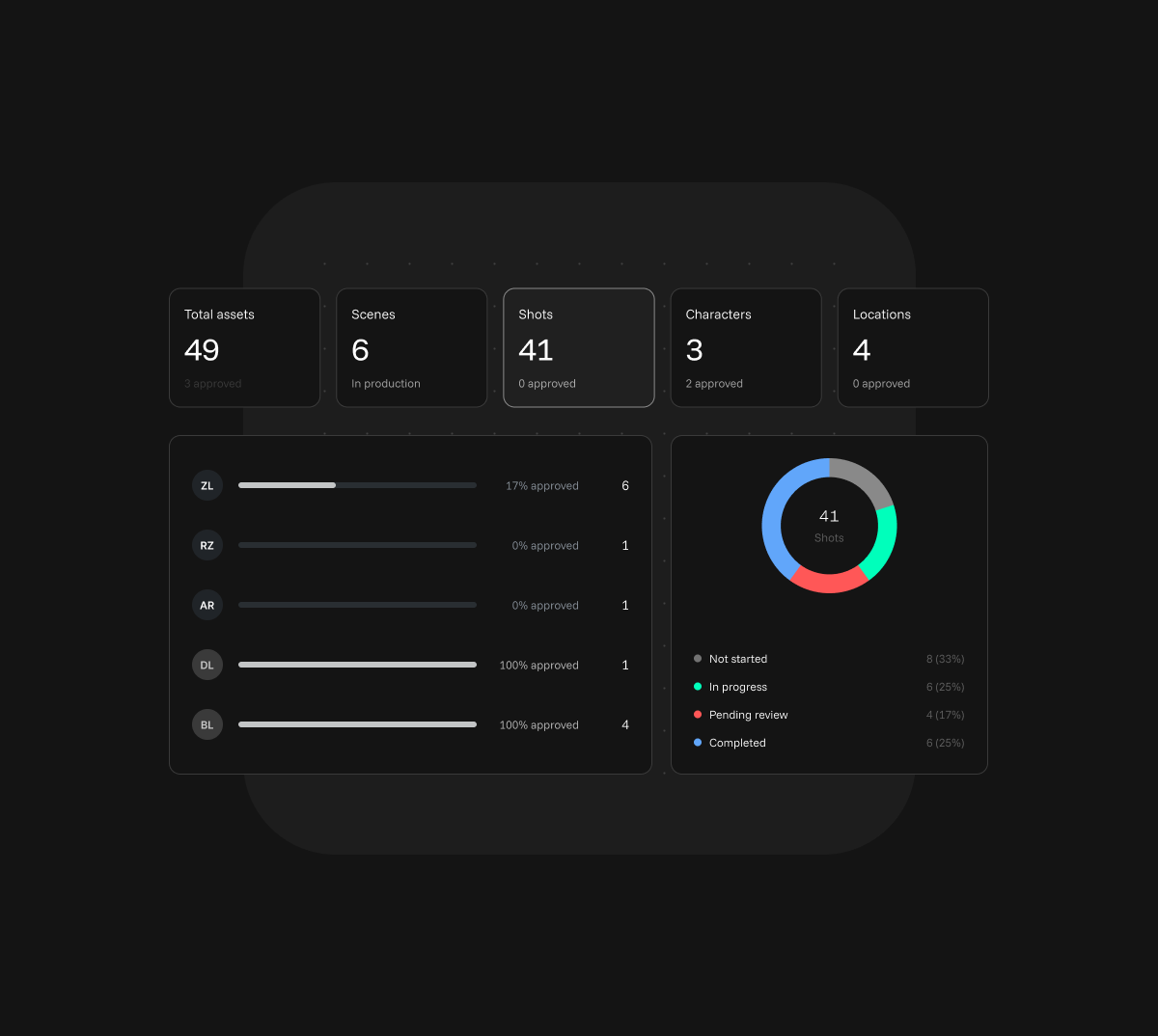
Dashboard
The dashboard gives producers, directors, and project managers a clear overview of progress, milestones, and risks, enabling confident coordination across the project.
Trace every generation for compliance, safeguard your IP, and keep sensitive studio data fully under your control.
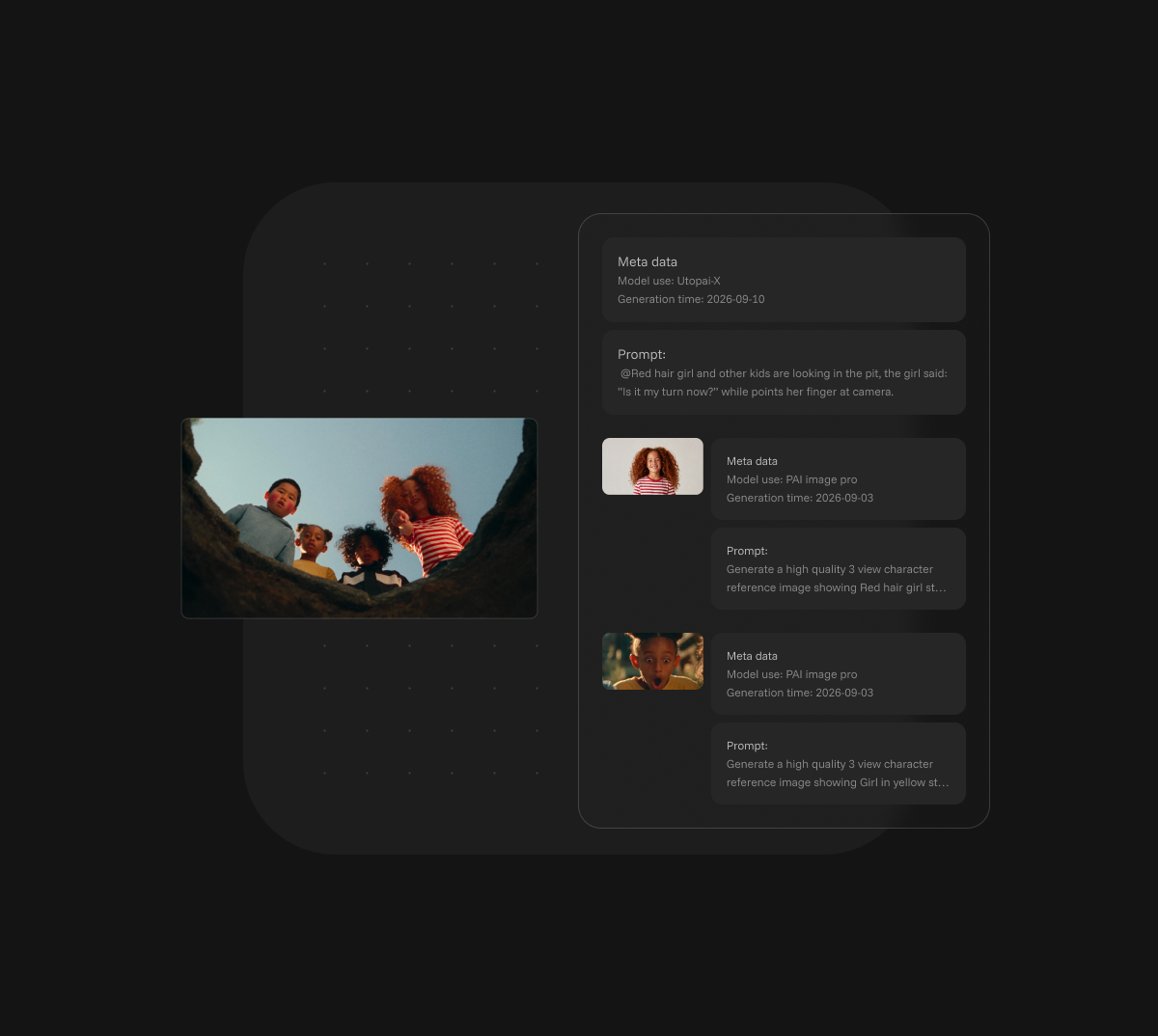
Prompt ledger & compliance
Maintain an auditable record of every generation—helping studios verify provenance, pass compliance reviews, and reduce IP infringement risk.
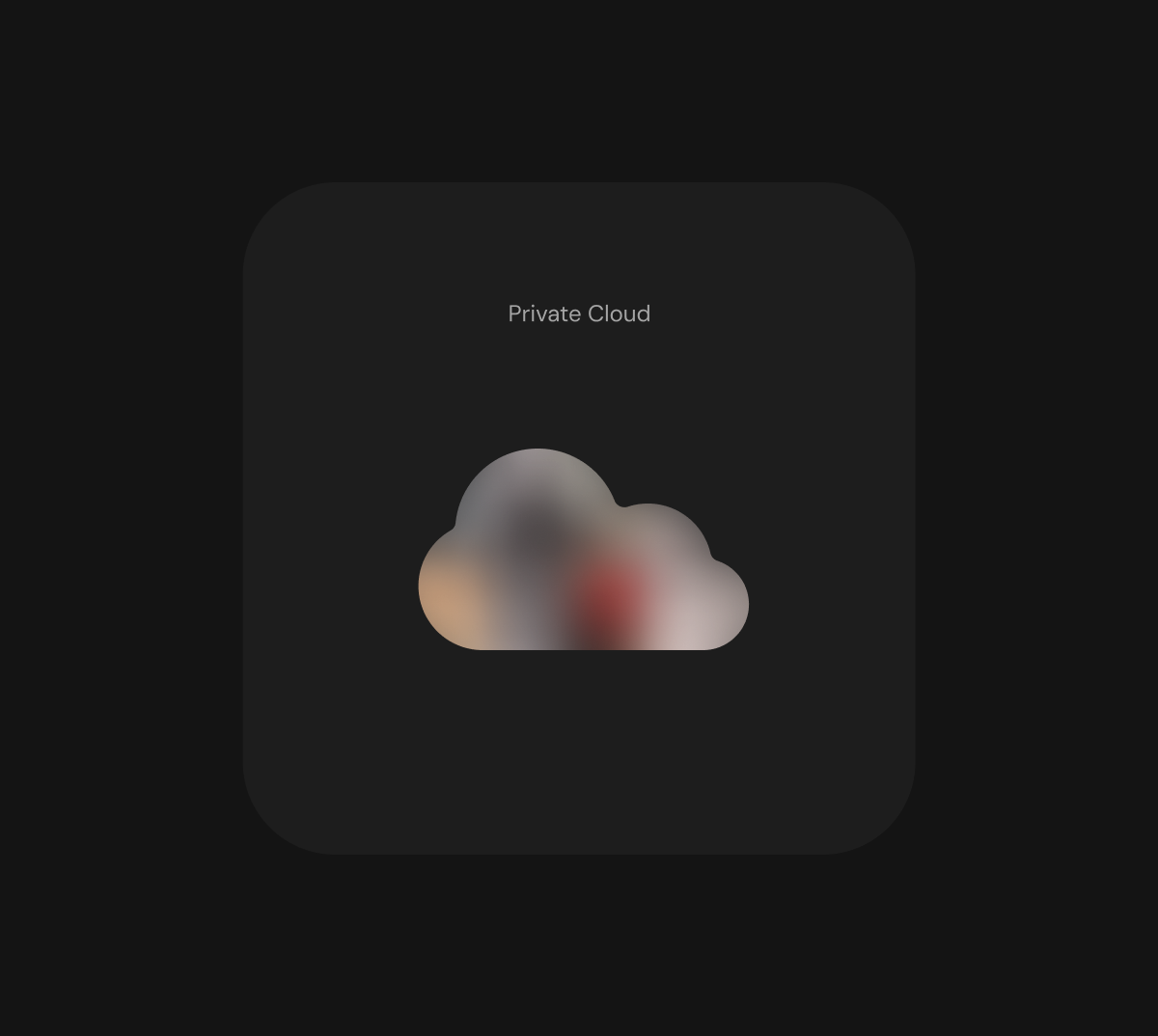
Private deployment & data protection
Deploy in a dedicated private environment to retain full ownership and control of sensitive studio data, assets, and workflows.
Custom amount available

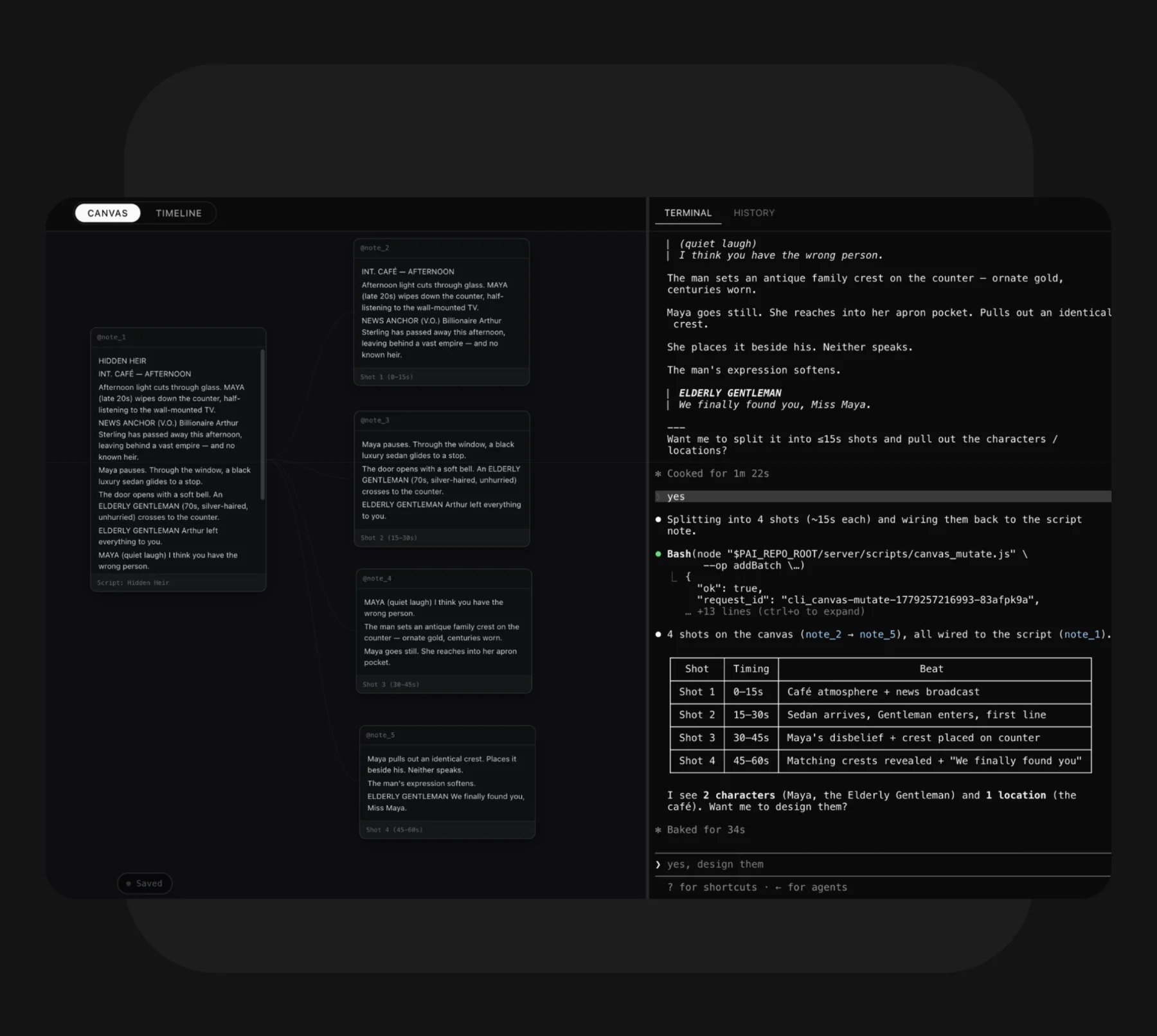
Professional productions rarely fit a standard workflow. We built PAI Code for the technical artists who build their own. It brings PAI’s filmmaking skills for script, image, video and voice into the coding agent they already use, alongside a local canvas and timeline, so the pipeline is shaped around the project, not the other way around.
Recibir notificaciones
El futuro de la narración, en tu bandeja de entrada.



