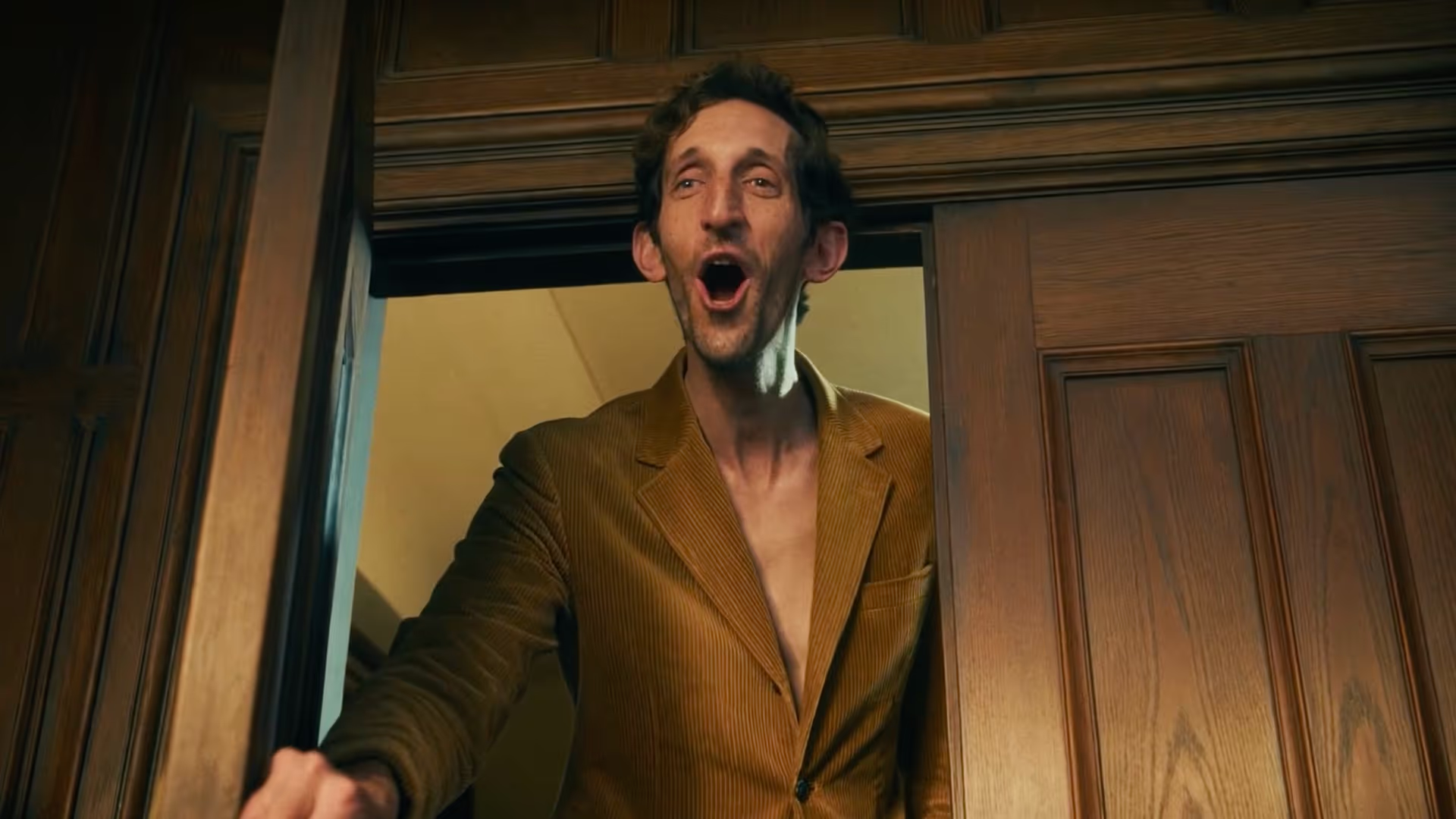
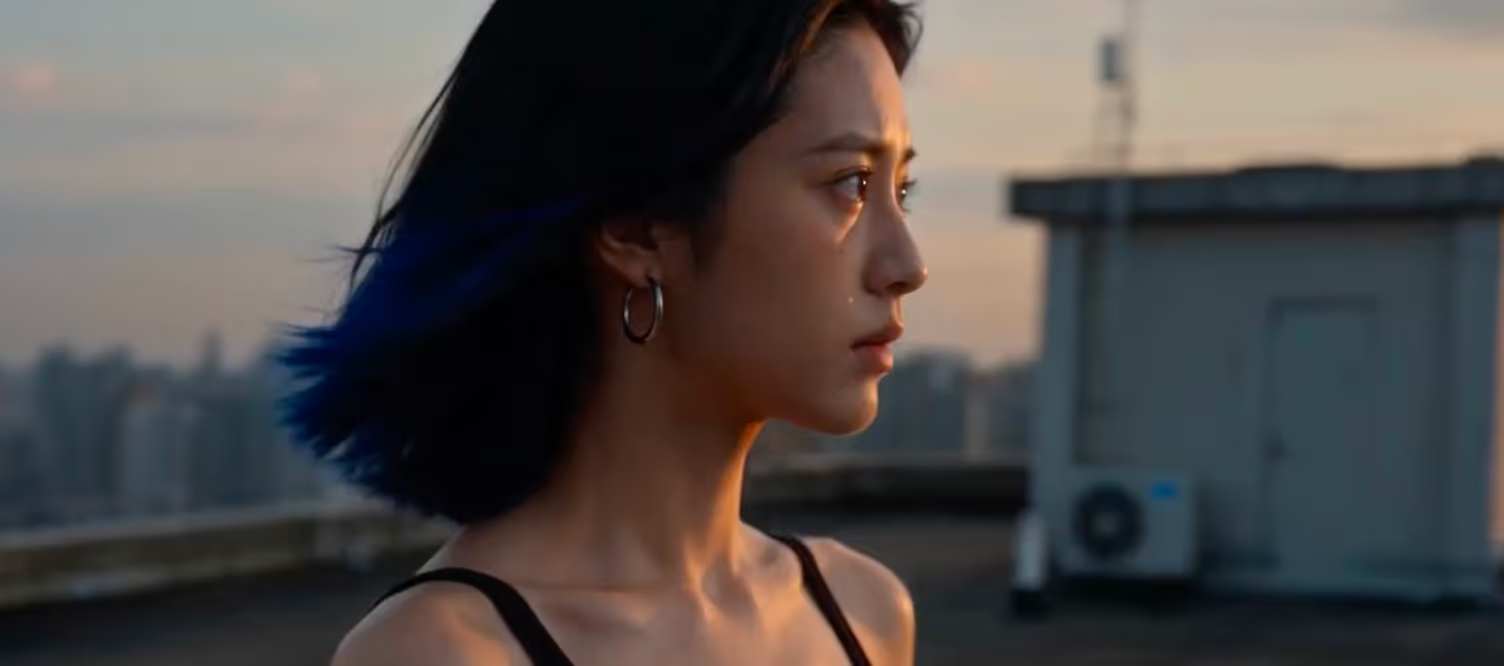
Tre competenze. Una costruisce il mondo. Una lo fa muovere. Una tesse l'intera storia.
Attualmente compatibile con



Generazione di immagini cinematografiche con controllo strutturato di personaggi, ambienti e keyframe, fino a 4K. Definisci un personaggio una volta, mantienilo per sempre.
Generazione di video cinematografici con coerenza visiva, continuità narrativa e controllo a livello di inquadratura. La scena 30 si integra perfettamente con la scena 1.

Un'unica tela che collega ogni generazione di immagini e video in una produzione singola e diretta. Nessun output isolato
PAI Pro supporta flussi di lavoro cinematografici di lunga durata con persistenza dei personaggi, continuità narrativa e controllo a livello di regista in ogni inquadratura.
Personaggi, ambienti e linguaggio visivo rimangono coerenti in ogni inquadratura. Definiscilo una volta e rimarrà valido fino all'ultimo fotogramma.
Il contesto della scena viene mantenuto. Ogni generazione ricorda ciò che l'ha preceduta. Il mondo che stai costruendo non si resetta, si accumula.
Controlla inquadratura, angolo della telecamera, obiettivo e composizione con parametri strutturati. Dirigi l'inquadratura, non limitarti a descriverla.
Output cinematografico fino a 4K. Ogni fotogramma è pianificato, criticato e iterato prima che tu lo veda. Il modello genera, il giudizio decide cosa viene rilasciato.
Cinque passaggi per PAI Pro
01
Assicurati di avere:
1. Git installato
2. Un account Claude Code o Codex (qualsiasi piano a pagamento)
3. Docker Desktop installato
02
Incolla questo nel tuo Claude Code o Codex:
Clone https://github.com/Utopai-Research/pai-pro, read the setup docs in README.md and docs/setup.md, then install PAI-Pro for my current agent.

Ask me for my PAI_KEY, use Docker unless I ask for local development, and start the app when setup is complete.
03
Apri: http://pai-pro.utopaistudios.com/
Poi:
1. Clicca su Ricarica sulla pagina della dashboard per completare il pagamento.
2. Clicca su Chiavi API nella barra laterale sinistra e crea una Nuova chiave.
3. Copia la chiave generata.
04
Incolla questo nel tuo terminale / Claude Code / Codex:
cp .env.example .env

echo 'PAI_KEY=your_api_key_here' >> .env
Sostituisci "your_api_key_here" con la tua chiave API effettiva.
05
Prerequisiti
Assicurati che Docker Desktop sia aperto e in esecuzione in background.
Avvia
Esegui questo comando nel tuo Claude Code:
Docker: ./scripts/docker-start.sh
Local: if ports are busy, run ./scripts/stop.sh first; then ./scripts/setup --agent claude and ./scripts/start.sh
Oppure questo nel tuo Codex
Docker: PAI_DEFAULT_AGENT_ID=codex ./scripts/docker-start.sh
Local: if ports are busy, run ./scripts/stop.sh first; then ./scripts/setup --agent codex and PAI_DEFAULT_AGENT_ID=codex ./scripts/start.sh
La prima esecuzione richiederà 5-10 minuti per la creazione. Gli avvii successivi richiederanno solo circa 10 secondi.
Apri l'Interfaccia
Quando vedi:
PAI PRO is readyApri questo URL nel tuo browser:
http://localhost:7588Connettiti a Claude
Accedi a Claude Code dal pannello di destra.
Una volta connesso, puoi testare con:
“Design a noir detective, weathered mid 40s, single hero still.”PAI Pro combina agenti conversazionali, flussi di lavoro cinematografici, generazione di immagini e orchestrazione video in un unico sistema unificato.

Descrivi la tua storia, scena o intento creativo in modo naturale.
PAI Pro è in grado di comprendere l'intento cinematografico, suddividere le storie in inquadrature strutturate e aiutare a generare automaticamente sceneggiature, personaggi, luoghi e punti salienti della trama.
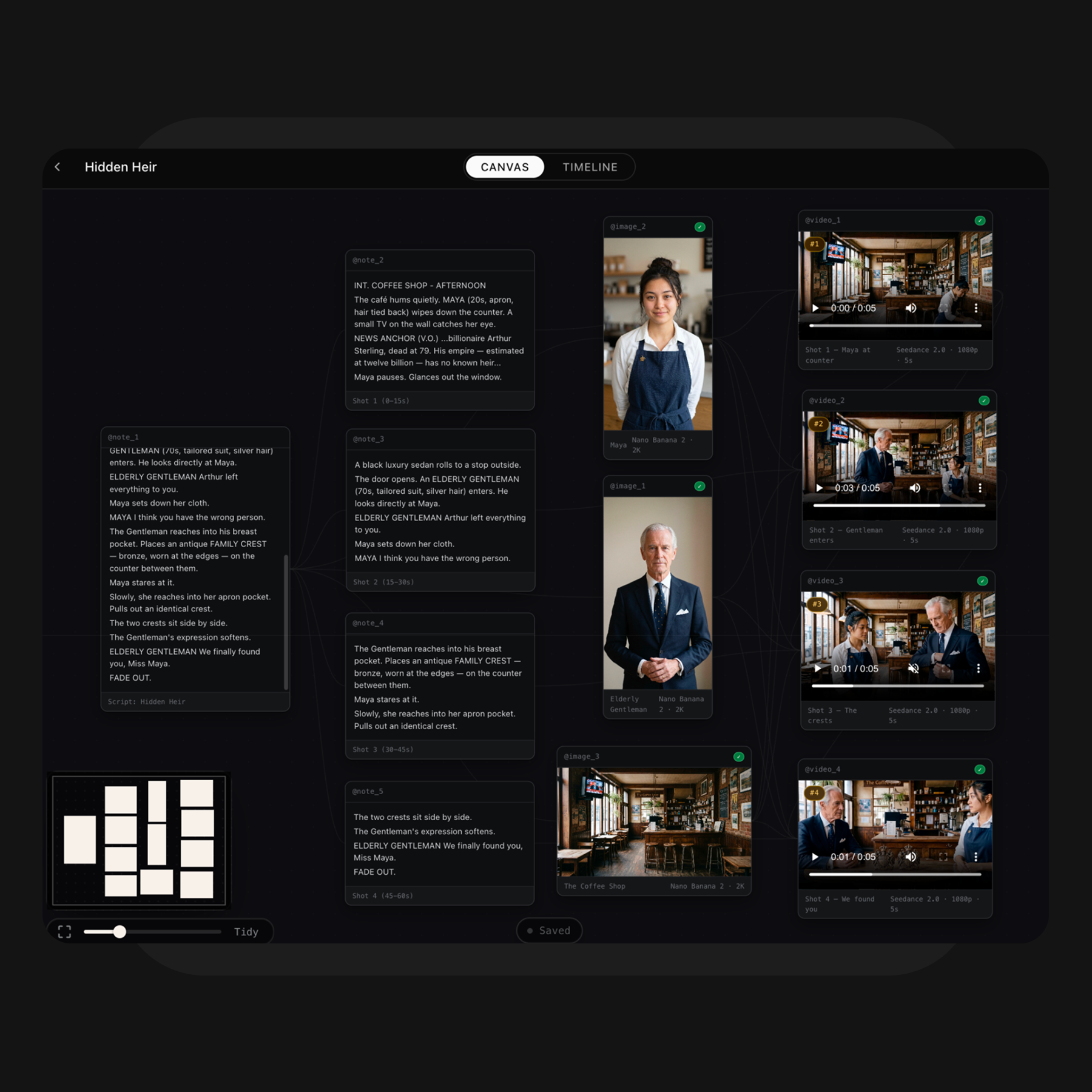
PAI Pro trasforma le tue idee in uno spazio di lavoro visivo connesso. Genera e organizza personaggi, luoghi, keyframe e video sulla Canvas, permettendoti di visualizzare e affinare rapidamente la tua direzione creativa.

Seleziona le tue inquadrature preferite e assemblale nella sequenza finale. In modalità Timeline, puoi riordinare le clip, sostituire le inquadrature, rivedere il ritmo e la continuità ed esportare il video finale.
Inizia ora
Integra uno studio cinematografico nel tuo agente di codifica
Ricevi notifiche
Il futuro della narrazione, nella tua casella di posta.