
Brand Kit
Official logo files and usage guidelines for press, partners and collaborators. Use the supplied artwork as it is — please don’t redraw, recolor or modify it.
Primary logo
Our full name is Utopai Studios, and this is our primary logo. Use it for company communications, press, partner and corporate materials, film and television work, and general brand use.
Horizontal: the default logo, for headers, decks, email signatures, video intro and outro cards and other wide formats.
Stack: for posters and credits, the production logo shown before a film begins, and vertical layouts.
In running text, always write Utopai Studios. Minimum size: 16 px high on screen, 4 mm / 0.15 in in print.
Stack logo · white

Stack logo · black
Usage
Keep the logo clear, monochrome and unaltered. These rules apply to every Utopai Studios logo on this page.
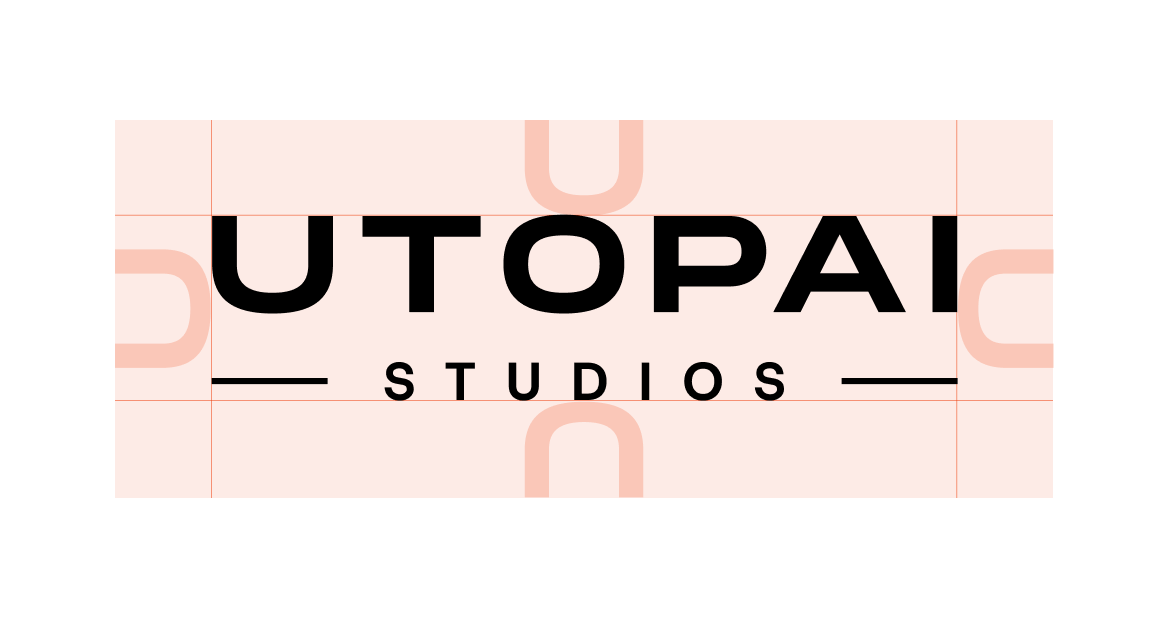
Keep clear space equal to the height of the “U” on all sides of the logo.
Don’t reproduce the logo below its minimum size. For very small applications, use the U avatar instead.
24 px
Minimum height on screen
8 mm / 0.3 in
Minimum height in print
Always use the supplied artwork. Don’t redraw, recolor or rebuild the logo.

Don’t stretch or distort the logo.
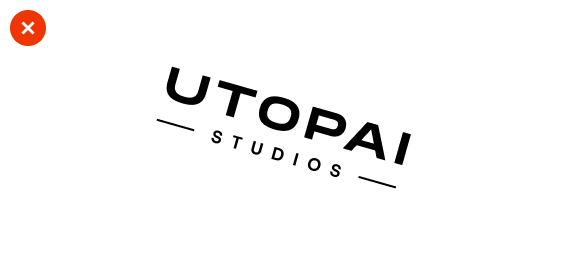
Don’t rotate the logo.
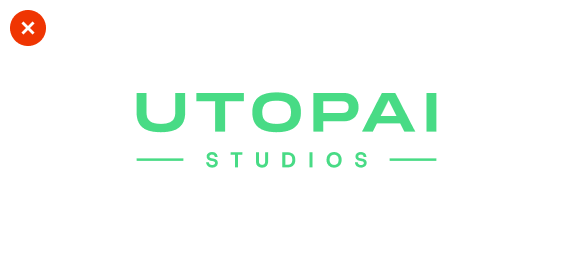
Don’t recolor it outside the approved palette.
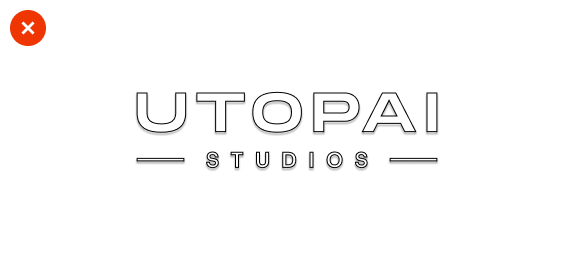
Don’t add shadows, outlines, gradients or effects.
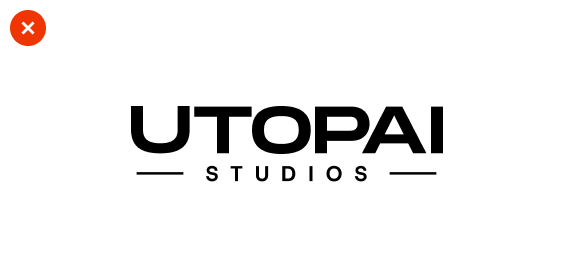
Don’t alter the spacing or proportions.
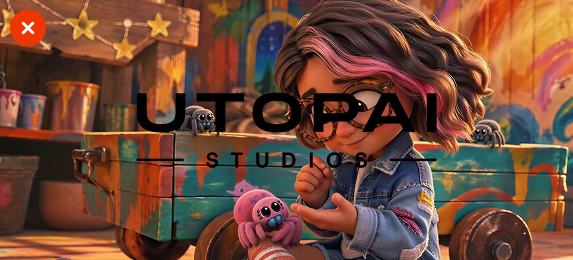
Don’t place the logo on backgrounds that reduce legibility.
Technology
PAI (Production Assistive Intelligence) is the technology division of Utopai Studios and the name of its main product. Use the most specific mark for what you’re talking about.
Minimum size: 16 px high on screen, 4 mm / 0.15 in in print.
PAI · general product and technology communications
PAI Studio · long-form film and television production workflows
PAI Code · developer, engineering and agentic workflows
Get notified
The future of storytelling, in your inbox.
